Build a UTM naming convention

Keep campaign URLs readable and reports consistent.
The scenario
Two teams label their newsletter as Email, newsletter, and email in the same month.
The platform may split those values into different rows. A convention such as source=weekly_digest and medium=email keeps related traffic together.
Apply it to your own work
Specify lowercase naming, a campaign vocabulary, and when content identifies a creative. Store canonical URLs and test that redirects retain their parameters.
Start with three controlled columns
For a workshop launch, set source to partner_digest, medium to email, and campaign to spring_workshop. Use content values such as top_banner and text_link when the two placements go to the same page.
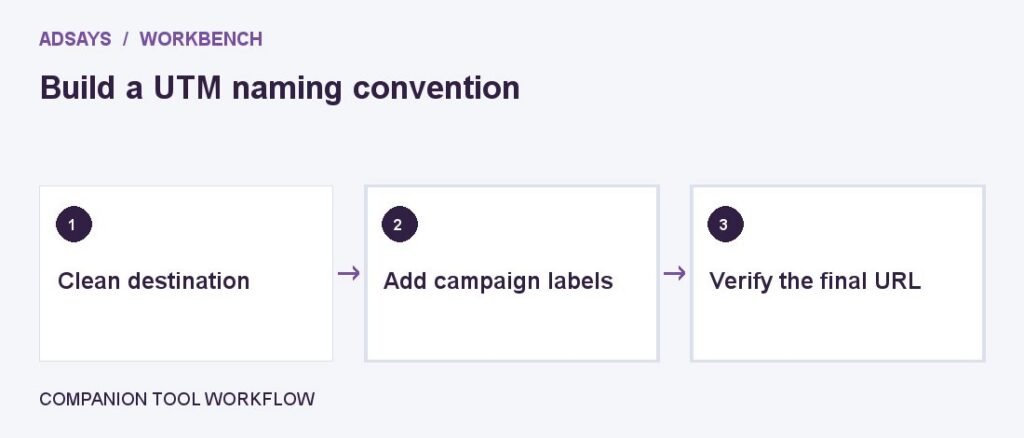
Make a row for each link, include its owner, and send the person approving the campaign the final tagged URL. Test after the email provider adds its redirect, not just in the spreadsheet. Check the final destination and the campaign report with a permitted test visit.
What to watch for
Do not tag internal navigation with acquisition UTMs. The new parameters can obscure how the original visit arrived.
Create a small naming dictionary
Use one row per approved source and medium. Define which labels are available, who approves new ones, and how existing aliases are mapped. Give an editor two example URLs, including one with an existing query parameter and anchor.
Record the final tested link rather than regenerating an older campaign with today’s naming rules. Before publication, verify that the destination is reachable and that both the original parameters and campaign tags survive the redirect.
Try a related tool
Add UTM labels to a destination. Use a consistent naming convention and avoid personal information in URLs.