Plan a useful comparison table
Present differences a buyer can act on.
The scenario
A shopper compares services by price but needs to know whether user seats and exports are included.
A table with billing period, included seats, export format, and date checked answers the question better than a list of vague feature marks.
Apply it to your own work
Write the reader's deal breakers first. Keep units consistent, label unavailable evidence, and add a short explanation below the table.
What to watch for
A table can hide eligibility or renewal details. Put those terms next to the values rather than in tiny notes.
Put the buyer’s constraints in the headers
When pricing includes annual and monthly terms, show both initial outlay and effective monthly amount with the same basis across products. Add a column for the feature that would make the option unusable, such as unavailable data export.
Test the table on a phone and with a keyboard. If it collapses into cards, preserve labels beside every value. Leave space below the comparison to explain tradeoffs that cannot fit into a yes-or-no cell.
Try a related tool
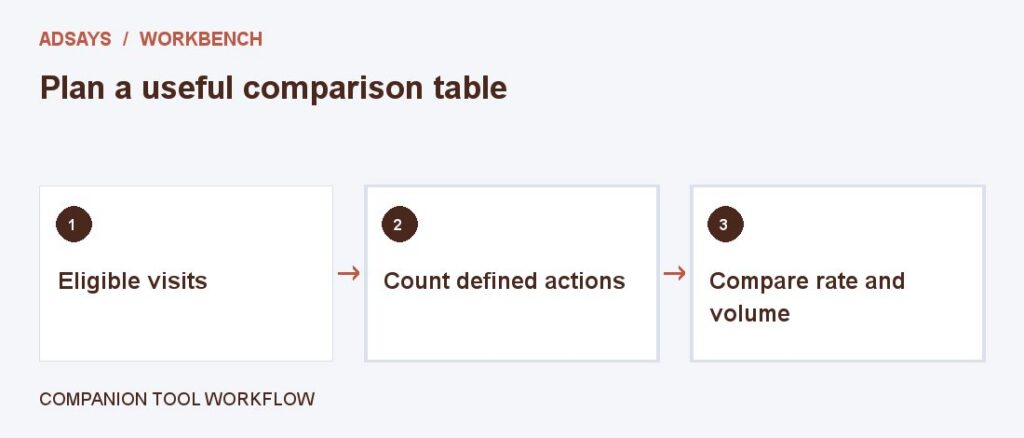
Find the share of eligible visits that completed a defined action. Count at most one conversion per visit for this calculation.