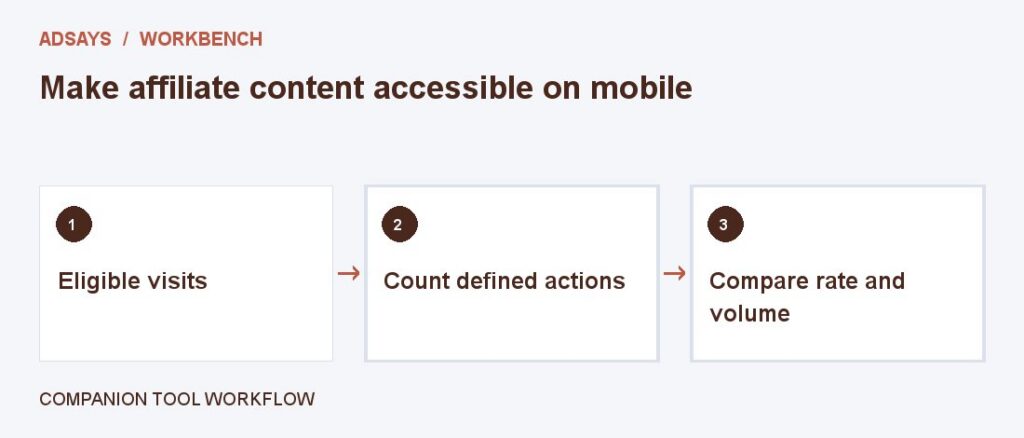
Make affiliate content accessible on mobile

Keep offers, limitations, and disclosure within a usable layout.
The scenario
A comparison table scrolls sideways, hiding the renewal terms and purchase links on a phone.
A stacked view can show price, commitment, and disclosure together for each option. Label each value with its unit and context.
Apply it to your own work
Test with touch and keyboard navigation. Check focus, contrast, zoom, and whether a reader can locate the disclosure before acting.
What to watch for
An overlay that blocks the comparison table reduces utility and may conceal material information.
Test disclosure and terms at the point of action
Open a comparison on a phone, zoom in, and jump directly to the product section. Check that the disclosure, price terms, and link remain easy to find without depending on a hover interaction.
Review controls with a keyboard as well. Ensure focus stays visible and the link label names the destination or action. If price is displayed in a table that scrolls, duplicate the essential commitment in the product detail.
Try a related tool
Find the share of eligible visits that completed a defined action. Count at most one conversion per visit for this calculation.