Run a newsletter subject line test
Learn which promise earns a useful response.
The scenario
A sender compares a direct worksheet subject with a curiosity subject about a costly budgeting mistake.
A subject can attract opens while fewer readers click the worksheet. A useful test pairs the open signal with downstream clicks and unsubscribe rates.
Apply it to your own work
Randomly split comparable subscribers, hold the message and send window steady, and define a winner rule ahead of time.
What to watch for
Tracking technologies can distort open data. A small apparent difference is not a reliable mandate to change every subject line.
Set a decision rule before scheduling
Choose the primary result and a practical difference worth acting on. For a worksheet email, use useful clicks or completed downloads alongside unsubscribes. Keep the preheader and delivery window consistent if you want to isolate the subject line.
If the difference is small relative to normal variation, record it as inconclusive. Review the exact promises next to the email content before rolling out a winning pattern. A higher open signal is weak evidence if the message disappoints readers.
Try a related tool
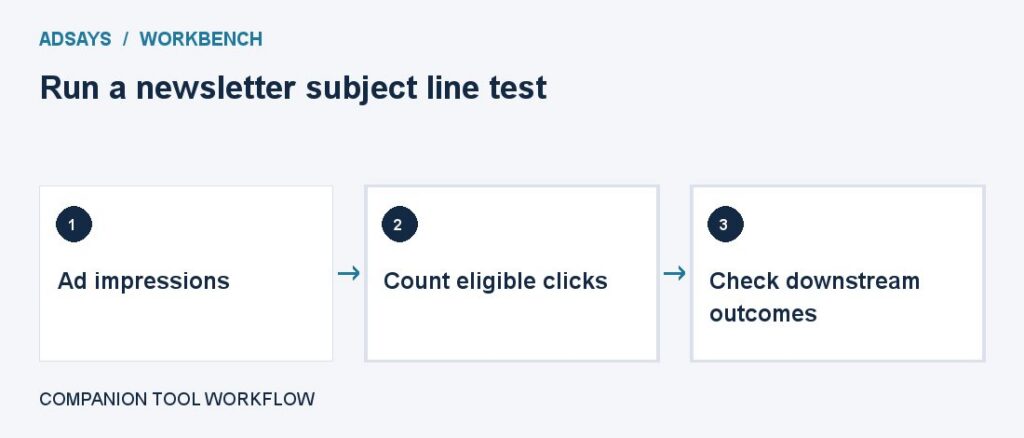
Measure clicks per impression. Use the same click type, placement scope, and date range across comparisons.