Audit old article links after changing a tool’s fields
Keep instructions and links consistent when a tool grows.
List the paths into the tool
Find articles, examples, and saved bookmarks that reference the old field names. Note which workflows rely on defaults. A new optional field should not change an old example without explanation.
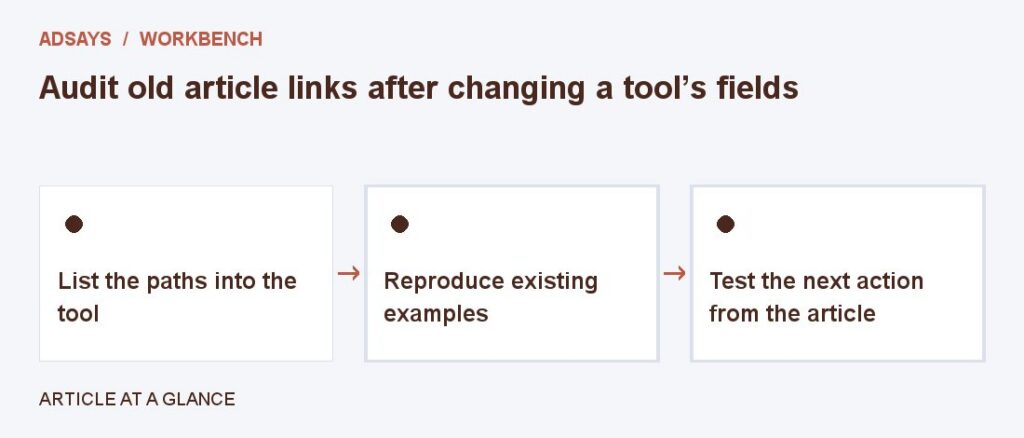
Reproduce existing examples
Enter the original inputs and verify that the intended result still makes sense. If a changed formula alters output, update articles and images alongside the tool. Distinguish new features from changes to old behavior.
Test the next action from the article
Confirm that the related link opens the correct tool page and that field labels match the text. Check a small-screen view where guidance might be farther from the input.
Try a related tool
Add UTM labels to a destination. Use a consistent naming convention and avoid personal information in URLs.