Create a downloadable template that matches the article
Make a worksheet useful without requiring readers to reconstruct it.
Start with the decision and inputs
For a budget template, include budget, actual spend, days left, planned exceptions, and remaining pace. Add units and one completed sample. Keep original inputs separate from formulas so users know what they can edit.
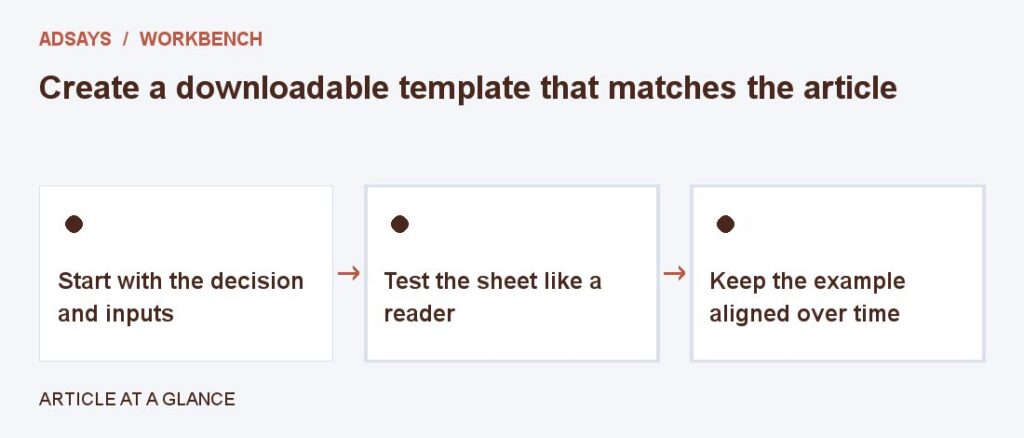
Test the sheet like a reader
Enter zero days, spend above budget, and a promotion that requires reserving extra funds. Make expected behavior clear in the article. Test the download and a readable alternative for users who prefer to calculate in the browser.
Keep the example aligned over time
Give the template a version or review date. When the article’s formula changes, update the template and check the companion tool. Avoid requiring an email address unless it serves a stated purpose.
Try a related tool
Divide remaining spend by the days left in a campaign. Adjust the daily figure for changes in expected demand.