Evaluate email click rate by message type
Compare campaigns using consistent recipients and goals.
The scenario
A product alert receives 200 unique clicks from 5,000 delivered emails. A weekly digest receives 300 from 10,000.
Their click rates are 4% and 3%. The digest has more clicks but a lower rate, and the audiences may differ.
Apply it to your own work
Use unique recipients who clicked divided by delivered recipients. Segment by message purpose and compare conversion quality for each.
What to watch for
Automated security scans can register link activity. Investigate implausible patterns rather than reading every recorded click as intent.
Use a consistent denominator across sends
Decide whether you report unique recipients who clicked divided by delivered recipients. Record suppressed and bounced contacts separately. If a message contains several actions, identify whether the report counts people or individual clicks.
Compare messages of the same purpose before declaring that one send is better. Add a downstream count such as worksheet downloads or purchases. A higher click rate from a product alert may reflect urgency rather than stronger copy.
Try a related tool
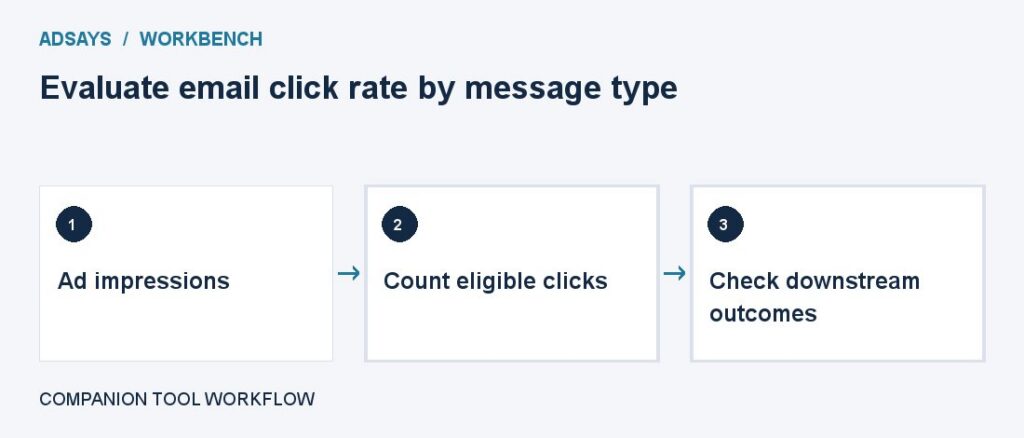
Measure clicks per impression. Use the same click type, placement scope, and date range across comparisons.