Plan a redirect after renaming an article
Keep old links useful when a page’s address changes.
Decide whether the address needs to change
A title can improve without a new URL. Change the address when there is a practical reason and the destination serves the same reader task. Inventory important inbound and internal links before release.
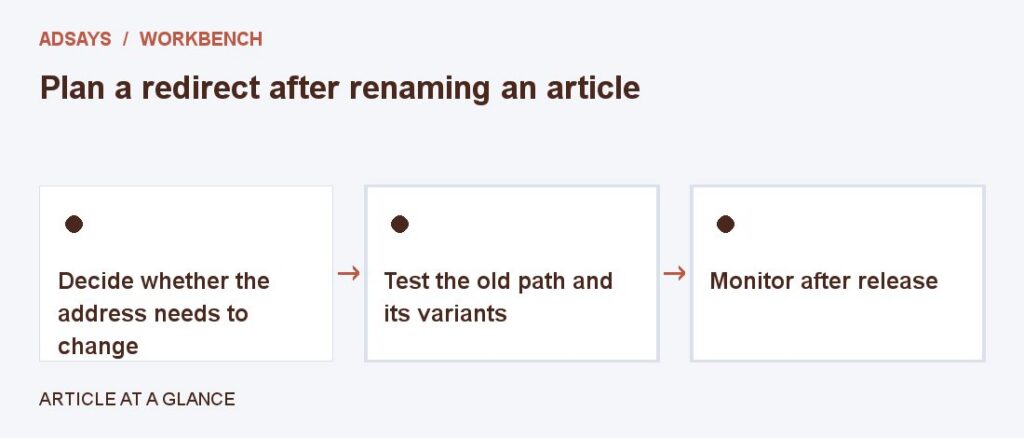
Test the old path and its variants
Confirm that the old URL reaches the intended page in one hop where feasible. Try any meaningful query strings and verify that campaign parameters or anchors behave as expected. Check that the new page appears in internal navigation.
Monitor after release
Check for unexpected not-found errors and update links you control. If the content was split across multiple articles, direct the old page to the closest replacement and give readers a clear route to other material. Avoid sending unrelated traffic to the homepage.
Try a related tool
Add UTM labels to a destination. Use a consistent naming convention and avoid personal information in URLs.