Retail product feed triage
Prioritize feed errors by the products and revenue they affect.
The scenario
A catalog has 60 disapproved items. Five are top sellers with incorrect availability, while 55 are retired accessories.
Fix the five live products first, then remove retired items from the source. Editing only the ad interface may be undone on the next feed refresh.
Apply it to your own work
Compare landing-page price and availability with the feed, identify the source of each mismatch, and test the next scheduled refresh before declaring the problem resolved.
What to watch for
Variant IDs and parent IDs serve different jobs. Replacing IDs blindly can break reporting history or split stock signals.
Fix the source that owns the field
For one disapproved product, compare the source record, generated feed, and live landing page at the same time. Check whether a variant or currency is selected by default. A correct main product price does not help if the advertised variant has a different price.
Assign one owner to each field, such as merchandising for product titles and inventory for availability. After the next refresh, verify that the fix persisted and that the ad destination still resolves to the matching variant.
Try a related tool
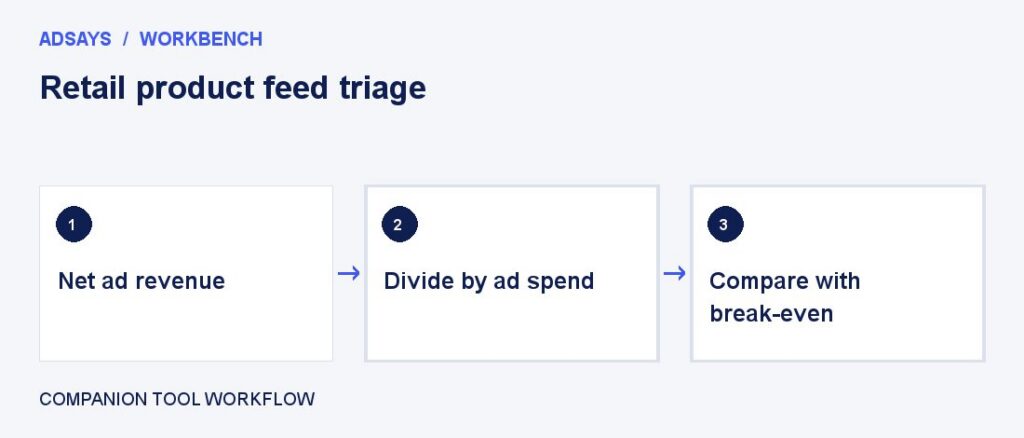
Compare revenue per advertising dollar with the return needed to cover ad spend. Enter net revenue and contribution margin before ads.