Use internal links as signposts
Connect concepts where readers need more detail.
The scenario
A ROAS guide mentions contribution margin but asks readers to search separately for a target CPA formula.
A link after the margin example can answer the follow-up in context. A descriptive anchor makes the destination understandable on its own.
Apply it to your own work
Add a small set of links based on genuine follow-up questions. Check that pages with important tools are reachable from category hubs.
What to watch for
A list of repetitive keywords at the bottom is harder to scan. Track whether links aid completion rather than simply increasing clicks.
Add links where the reader hits a dependency
In a CPA article, link contribution margin where the formula first needs it. Add a budgeting link after the worked example if the reader is ready to plan spend. Links at distinct decision points are easier to justify than a long related list.
Read each anchor out of context. A label such as calculate your acquisition ceiling tells the reader what to expect. Revisit links when an article moves, and update the anchor if the destination’s purpose changes.
Try a related tool
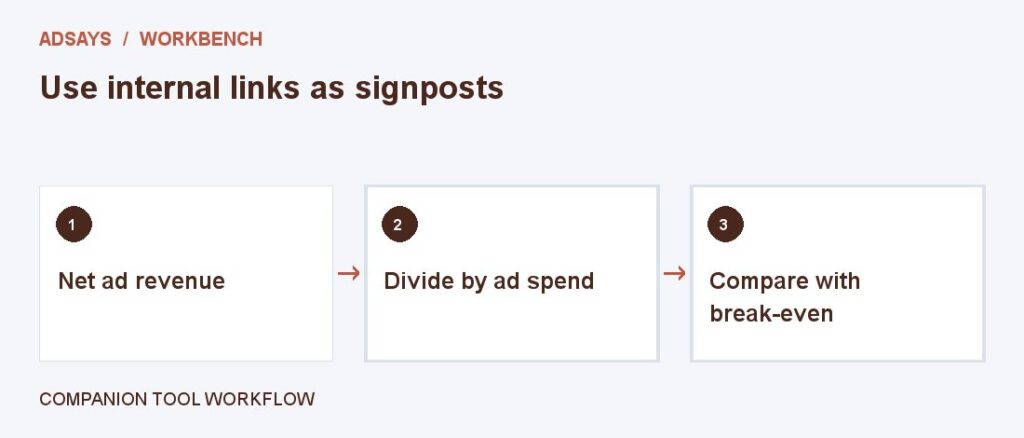
Compare revenue per advertising dollar with the return needed to cover ad spend. Enter net revenue and contribution margin before ads.