Choose internal link anchors for calculators and explanations
Tell readers whether a link opens a result or teaches a method.
Name the destination’s job
Use calculate your daily pace for the interactive tool and understand budget reserves for a supporting explanation. When both links appear in the same section, keep their purposes visibly distinct.
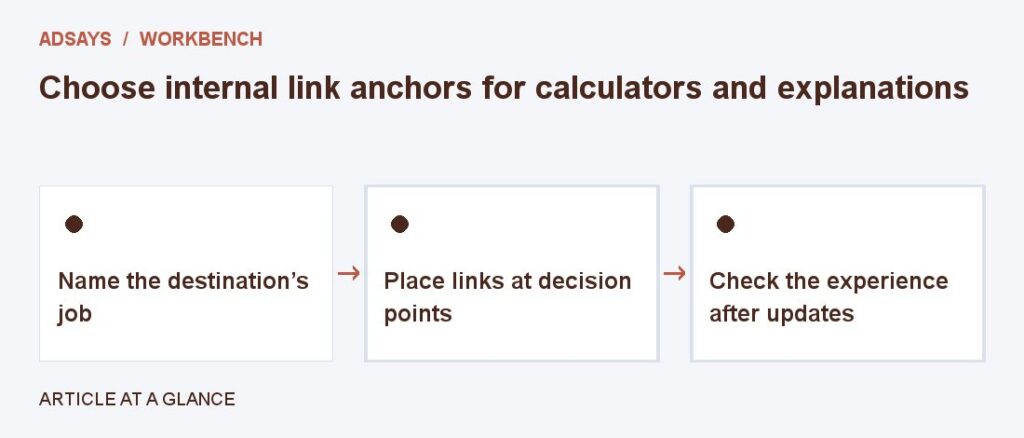
Place links at decision points
Add the calculator after an example introduces the necessary inputs. Add the explanatory link where the visitor might question an assumption. Avoid repeating the same generic link after every paragraph.
Check the experience after updates
If an article is merged or a tool gets a new address, verify the final destination still matches the anchor. Preserve direct links to important instructions where possible.
Try a related tool
Add UTM labels to a destination. Use a consistent naming convention and avoid personal information in URLs.