Make long tutorials easier to scan
Help readers find the step they need on a small screen.
The scenario
A 2,000-word setup tutorial buries its prerequisites and success check halfway down.
An opening box with inputs and expected output can prevent readers from starting a process they cannot finish. Section headings can name decisions rather than generic steps.
Apply it to your own work
Test the tutorial from an empty account or fresh workspace where possible. Use ordered steps for actions and descriptive headings for troubleshooting.
What to watch for
Screenshots alone cannot explain an instruction to someone using a screen reader. Keep critical steps in text.
Put recovery steps where people need them
For a setup walkthrough, state what a successful result looks like after each major step. If a test event can fail, explain what to check immediately instead of placing all troubleshooting at the bottom.
Use headings that include the object and the action. Check the page at a narrow viewport with only headings and link text visible. If a reader cannot find prerequisites, success criteria, or recovery, the structure needs work.
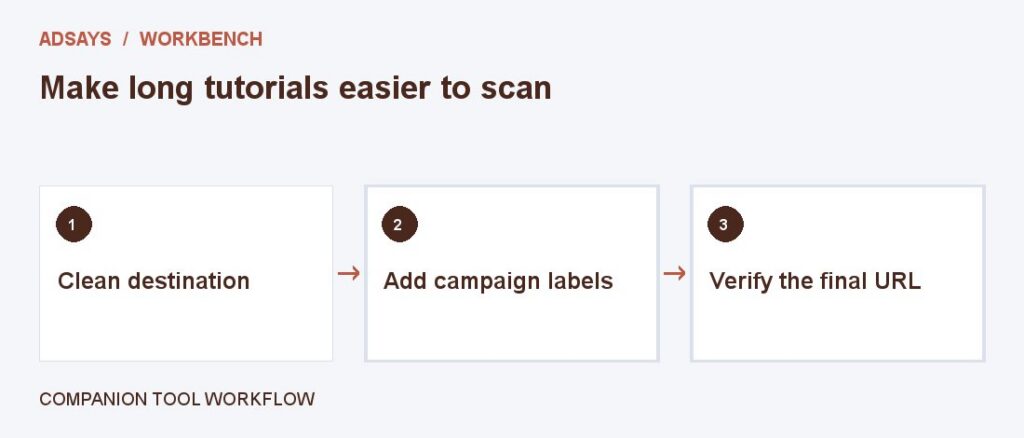
Try a related tool
Add UTM labels to a destination. Use a consistent naming convention and avoid personal information in URLs.