Reduce friction in a lead form

Collect enough information to respond well without unnecessary fields.
The scenario
A scheduling form asks for company size, yearly revenue, and postal address before offering a 15-minute call.
Removing fields may increase submits, but sales still needs a way to route leads. Keep essential contact and eligibility details and collect the rest later.
Apply it to your own work
Label required fields, test errors, and monitor booking and show-up rates before and after the change.
What to watch for
More submissions are useful only if people can be served. Capture the minimum information needed for the next step.
Remove a field only after locating its owner
Ask sales and operations how each field is used. A postal code may be essential for service coverage, while annual revenue may be useful only after the first conversation. Remove or defer fields that do not affect the immediate next step.
Test blank, invalid, and successful submissions on a phone. Compare qualified appointments and response workload alongside total form fills. The aim is to reduce avoidable effort without shifting the same work into manual follow-up.
Try a related tool
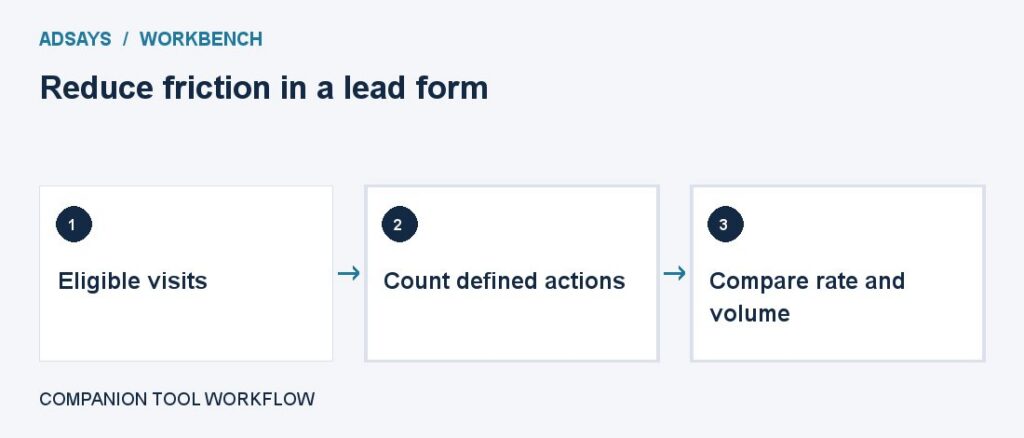
Find the share of eligible visits that completed a defined action. Count at most one conversion per visit for this calculation.