Build a content page around a free tool
Answer the reader’s question before and after the interactive result.
Put the task near the top
State which decision the tool supports and let the visitor use it without navigating through a long introduction. Show meaningful defaults and units. Place detailed explanations after the form, with nearby labels for decisions that must be made before entering values.
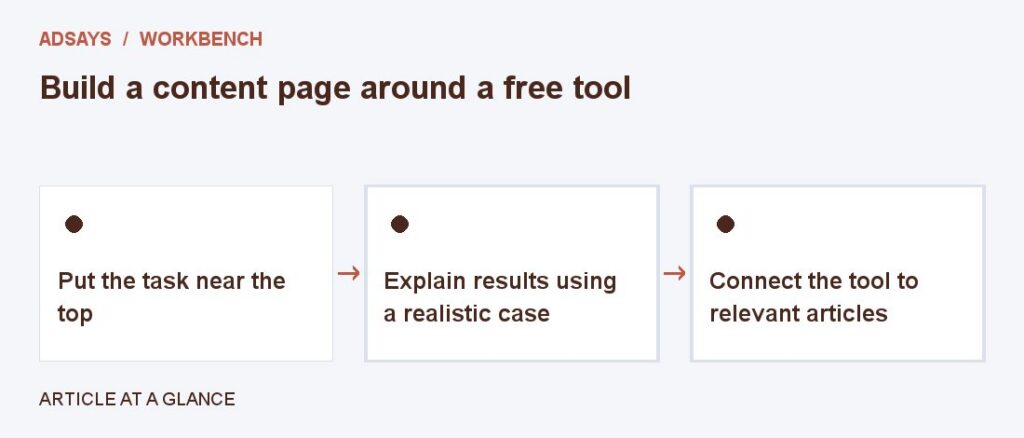
Explain results using a realistic case
For a budget pacer, show remaining spend and compare even pacing with a plan that reserves more for weekends. Explain why the tool gives an operating target rather than a billing guarantee. Include a next action for zero days or overspend.
Connect the tool to relevant articles
Link to an article that helps the reader apply the result, such as setting a loss cap or reconciling refunds. Test the page with someone who has never used the tool. Revise instructions where they repeatedly stop or misread a field.
Try a related tool
Find the share of eligible visits that completed a defined action. Count at most one conversion per visit for this calculation.