Evaluate a glossary page using reader tasks
Decide which definitions need examples, tools, or clearer scope.
Select realistic questions
Ask a reader to find the difference between CPA and cost per qualified lead, then calculate both from the same budget and outcome counts. A useful glossary helps people choose the right denominator as well as recall an acronym.
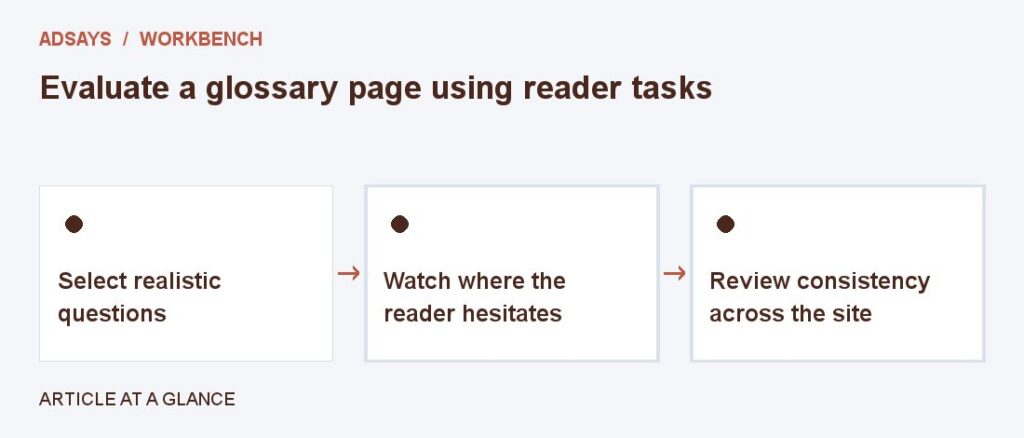
Watch where the reader hesitates
If users keep asking which fees count, add a boundary example near the definition. If several related terms appear in different places, group them and link to the relevant article. Avoid adding entries solely to increase page count.
Review consistency across the site
Check that calculators, dashboards, and articles use matching definitions or explain differences. When a term has several legitimate meanings, label the one used on your site and give a short comparison to the alternatives.
Try a related tool
Find the share of eligible visits that completed a defined action. Count at most one conversion per visit for this calculation.